A strong business card puts your brand directly in someone’s hands. When clients, prospects, or partners walk away from a meeting, a card is what stays with them long after the conversation ends.
Knowing how to make a business card that actually represents your company well takes more than slapping a logo on a rectangle. Size, layout, paper stock, design choices, and where you print all play a role in whether someone keeps your card or tosses it.
Here is a complete, step-by-step guide to help you create a business card your team can hand out with confidence.
Why Does a Great Business Card Still Matter?
In a world full of digital noise, a physical business card cuts through. Someone might forget a LinkedIn request or lose an email in a crowded inbox. But a well-made card with a premium finish? That sits on a desk, gets pinned to a board, or stays tucked in a wallet for months.
For businesses, cards are one of the most affordable direct marketing tools available. An office manager ordering for the sales team or an HR department equipping new hires can get a polished, branded card at a low per-unit cost. And unlike a digital exchange, handing someone a card creates a personal moment of connection.
A business card is not just contact information on paper. A card is a brand touchpoint, and what you put your name on says something about your company.
What Information Should Your Business Card Include?
Before jumping into colors and fonts, nail down what goes on the card. Every business card should cover the essentials:
Your full name and job title. Your company name and logo. A phone number and email address. Your website URL. A physical address, if relevant to your business.
Beyond the basics, consider adding a QR code that links to your website or a specific landing page. Social media handles work well for companies with an active online presence, too.
One common mistake is trying to squeeze too much onto a single card. Keep the information focused. A cluttered card feels overwhelming, and people are less likely to reference one that is hard to read. Stick to what someone would actually use when deciding to reach out to you. For a deeper breakdown on formatting pitfalls, check out business card dos and don’ts before finalizing your layout.
How Do You Choose the Right Business Card Layout?
Most business cards follow one of two orientations: horizontal or vertical. Horizontal is the traditional choice and works well for companies with longer names or more contact details. Vertical layouts, on the other hand, feel modern and stand out in a stack.
Sizing matters just as much as orientation. The standard business card measures 3.50″ x 2.00″, which fits neatly into wallets and card holders. Some companies also use a credit card size of 3.30″ x 2.16″ for a slightly different feel. Both sizes are widely available through premium printers.
Whichever layout you choose, leave plenty of white space around the edges. Text that bumps up against the trim line can get cut off during printing. A safe margin of at least 0.125 inches on all sides keeps everything clean and readable.
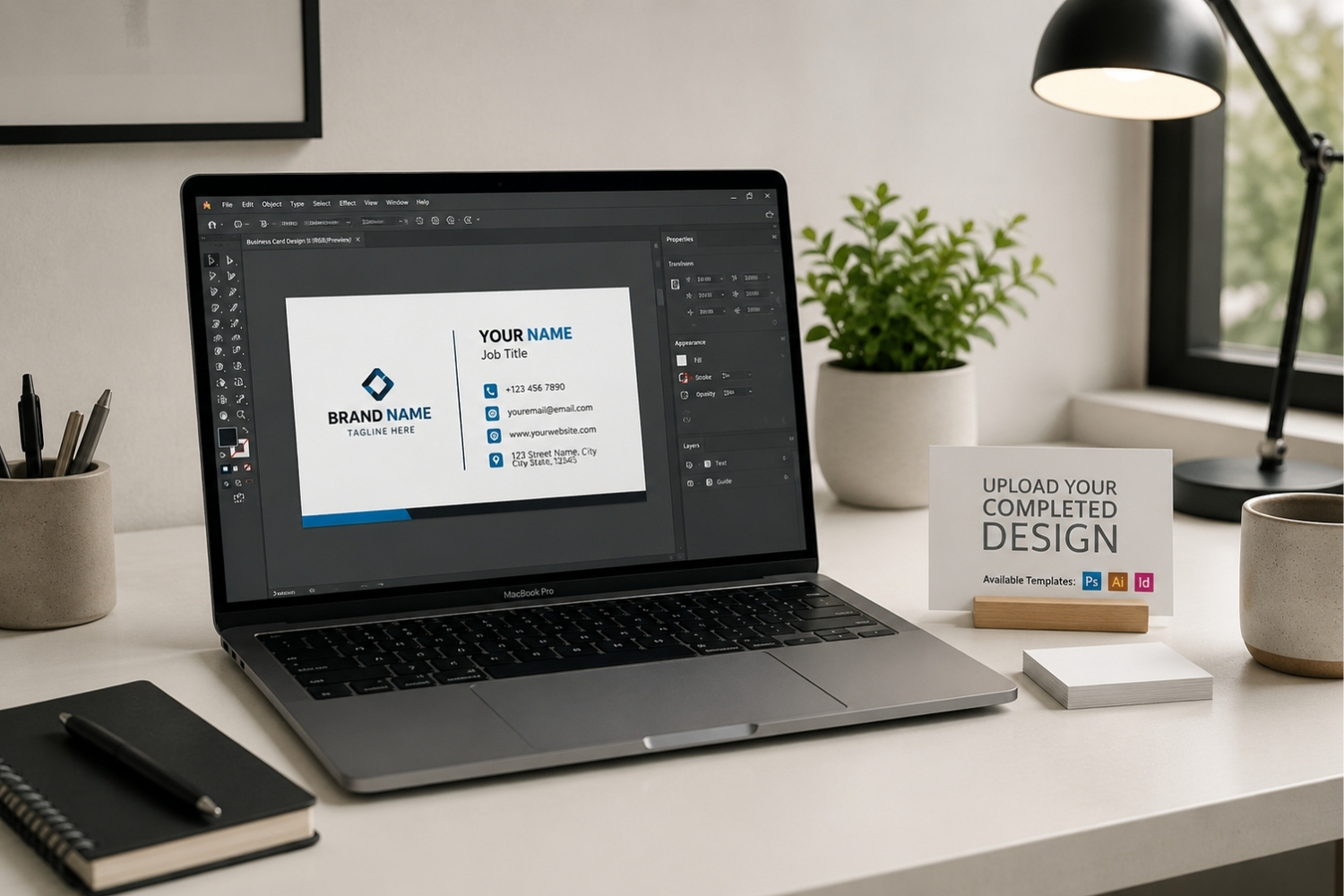
If you plan to design your own business card, downloading a business card design template with the correct dimensions can save a lot of frustration.
What Design Choices Make a Business Card Stand Out?
A great business card balances personality with professionalism. Here are the design elements that make the biggest difference.
Color palette
Match the colors on your card to your company’s existing brand guidelines. Consistency between your card, website, and other printed materials builds recognition. If your brand uses two or three core colors, carry those onto your card rather than introducing new ones.
Typography
Choose a font that is easy to read at a small size. Sans-serif fonts work well for modern, clean looks, while serif fonts lean more traditional. Avoid using more than two typefaces on a single card.
Logo placement
Your company logo should be clearly visible without overpowering the rest of the card. Placing the logo on the front with contact details on the back is a popular approach that keeps things organized.
Use of finishes
Premium touches like matte or gloss finishes, soft-touch coating, and foil accents can give your card a high-end feel. A textured card is more likely to be remembered because the recipient notices the quality the moment the card is in hand.
How Do You Pick the Best Paper and Finish for Your Business Card?
Paper stock is one of the most overlooked parts of the business card process, but the right choice makes a noticeable difference. Thicker cardstock feels more substantial and professional, while thinner paper can come across as flimsy.
For a balanced option, 14 pt. cardstock is a popular starting point. Heavier stocks like 16 pt. or 18 pt. add a more premium feel, which works well for companies that want the card itself to communicate quality.
Finish options typically include matte, gloss, and uncoated surfaces. Matte finishes are easy to write on and have a smooth, modern look. Gloss finishes create a vibrant, polished appearance. For a truly distinctive feel, soft-touch coatings add a velvety texture that stands out immediately.
Where Should You Order and Print Your Business Cards?
Once your design is locked in, the next step is choosing a printer that can deliver the quality your brand deserves. Not every print shop handles business cards with the same level of care, so look for a printer that offers multiple paper options, finishing choices, and the ability to customize both sides of the card.
For companies that want full creative control, many premium printers offer an upload-your-own-design option where you submit a finished file and the printer handles the rest. Gallery Collection, for example, offers customizable business cards in both standard and credit card sizes, with hundreds of design combinations, a choice of finishes, and a free travel case included with every order.
Ordering in bulk is also worth considering if your team goes through cards regularly. Volume pricing often brings the per-card cost down significantly, which is a practical advantage for businesses outfitting multiple employees. Gallery Collection offers business cards in increments of 50, making scaling up easy as your team grows.
Before placing a large order, always print a test run first. Check for alignment, color accuracy, and text readability. A quick proof run catches issues before turning into boxes of unusable cards.
Frequently Asked Questions
A standard business card measures 3.50″ x 2.00″. Some professionals also use a credit card size of 3.30″ x 2.16″. Both sizes fit comfortably in wallets and standard card holders.
For most businesses, ordering in increments of 50 or 100 is a good starting point. If your sales team or staff hands out cards frequently, bulk orders of 250 or 500 offer better per-card pricing.
Yes. Many premium printers allow you to upload a completed design file. Just make sure the file meets the required dimensions, resolution, and bleed specifications before submitting.
Matte finishes offer a clean, modern feel and are easy to write on. Gloss finishes create a polished look with vibrant colors. Soft-touch finishes add a velvety texture that feels high-end.
Using both sides gives you more room to include details without crowding the front. A popular format puts the logo and name on the front and contact details or a QR code on the back.