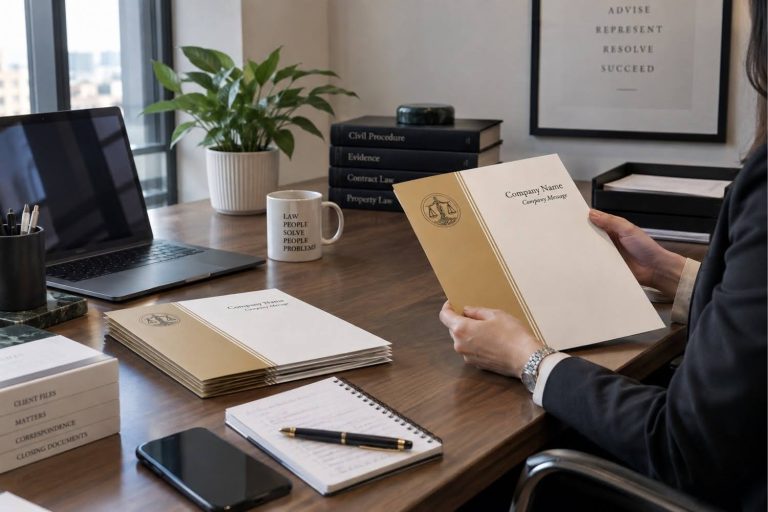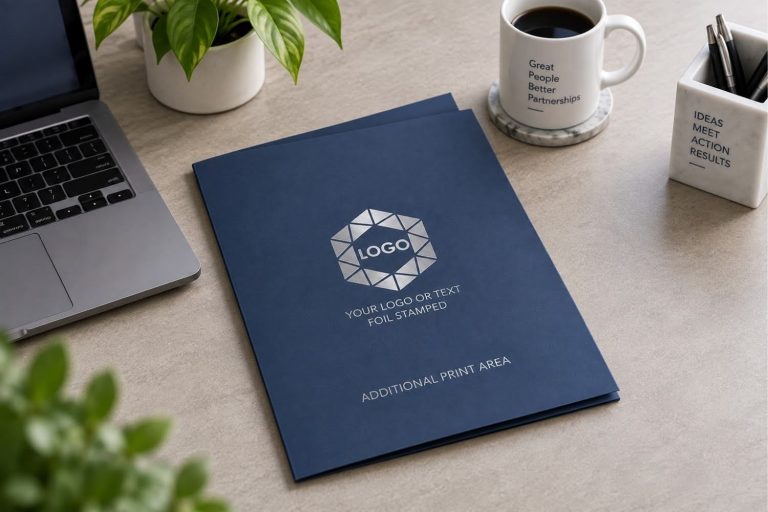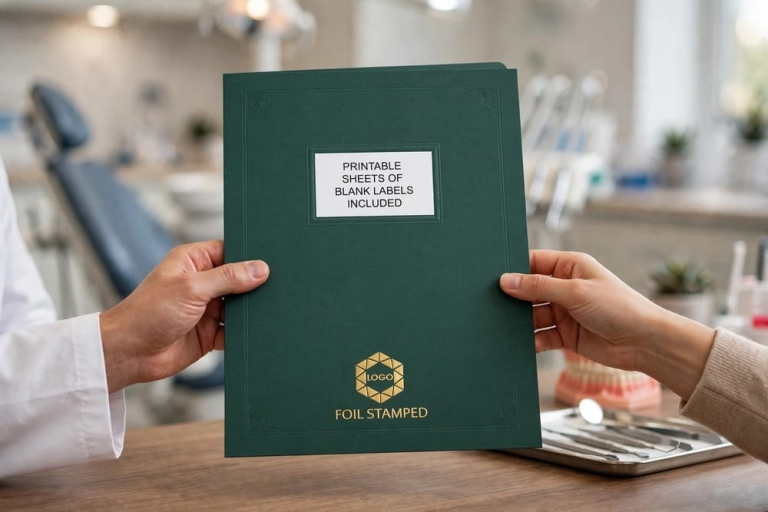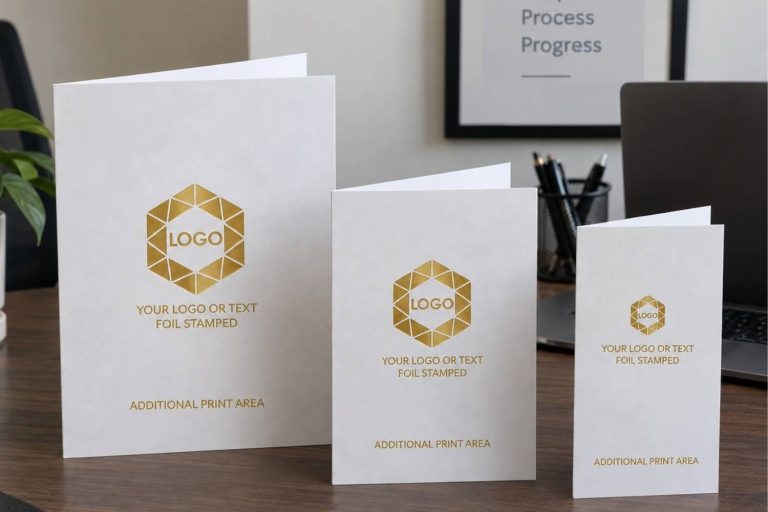
A presentation folder is only as good as what goes inside it. You can have the most polished folder on the table, but if the contents feel random or incomplete, the impression falls flat. Knowing what to put in a presentation folder starts with thinking about who will open it and what they need to see.
Whether you are handing materials to a new client, onboarding a new hire, or walking into a sales meeting, the right presentation folder contents can shape how people view your business. Here is a practical guide to filling your folder with materials that work.
Why Do Presentation Folder Contents Matter So Much
A folder full of loose, mismatched pages tells the recipient one thing: you did not plan ahead. A well-organized folder with clean, relevant materials shows professionalism and attention to detail.
Your presentation folders are often the first physical touchpoint a client or prospect has with your brand. What goes inside that folder shapes the story your company tells. Getting the contents right means your materials do more than just inform. They build confidence.
What Are the Must-Have Presentation Folder Inserts for Client Meetings
Client meetings call for materials that are focused and easy to follow. Your presentation folder inserts should give the recipient a clear picture of who you are, what you offer, and how to reach you.
Key items to include
- A company overview or one-page profile gives your client a snapshot of the business. Keep it short and focused on value rather than history.
- A brochure or service sheet explains what you do in more detail. Use clean formatting and plain language so the reader can scan it quickly.
- A business card tucked into the card slot makes it simple for the recipient to follow up. Most business presentation folders include a built-in card slot for exactly this reason.
- A welcome letter or cover page adds a personal touch. Address it to the specific client when possible, and briefly explain what the folder contains.
- Pricing information or a rate card gives the client what they need to make a decision. If pricing varies by project, include a general guide or starting-point range.
- Testimonials or a short case study build trust without requiring a long conversation. One or two strong client stories can carry more weight than a lengthy pitch.
What Should Go in a Presentation Folder for New Employee Onboarding
HR departments and office managers often use presentation folders to welcome new hires. A well-assembled onboarding folder helps employees feel prepared and valued from day one.
Recommended onboarding inserts
An employee handbook or policy summary gives new hires the information they need. Consider including a condensed version with key highlights.
Benefits enrollment forms and contact sheets should be easy to locate inside the folder so new employees can act on them right away.
An office map, team directory, or organizational chart helps new hires find their way during the first week.
A welcome letter from leadership or the direct manager makes the new hire feel seen. Pairing a welcome folder with a personal greeting goes a long way. Companies that make onboarding feel personal often get creative with their presentation folders to set the right tone.
A branded notepad or pen tucked inside adds a practical, memorable finishing touch.
How Should You Fill a Presentation Folder for a Sales Pitch
Sales folders need to move the conversation forward. Filling them with too much information can overwhelm a prospect, while too little can leave questions unanswered. Striking the balance is the goal.
Start with a one-page overview that highlights what your company does and the specific problem you solve. Follow it with a product or service sheet that outlines the details.
Include one or two testimonials or case studies that speak to results. Prospects want to know how you have helped businesses like theirs. A brief FAQ sheet can also address common objections before they come up.
Close the folder with a clear call to action, such as a “next steps” card or a meeting request form. When your folder guides the reader through a logical flow, the materials do the selling for you.
A custom presentation folder with your logo, colors, and contact details ties the package together and reinforces your brand at each step.
How Do You Organize Presentation Folder Contents for Maximum Impact
The order of your presentation folder inserts matters just as much as what you include. Place the most important document on top of the right pocket, since that is where most people look first. Use the left pocket for supporting materials like brochures, reference guides, or forms.
Put your business card in the built-in card slot so it stays visible and accessible. If your folder has a built-in label area, personalize it with the recipient’s name or account number to add a professional touch. Label presentation folders make client-specific personalization quick and easy.
Keep the contents to five or six items. Cramming too many pages into a folder makes it bulky and hard to navigate. If you have more material, consider a follow-up packet or a digital link on a separate card.
Organizing your materials with care can be your company’s chance to stand out from competitors who hand over a messy stack of papers.
Can a Custom Presentation Folder Make Your Materials Stand Out
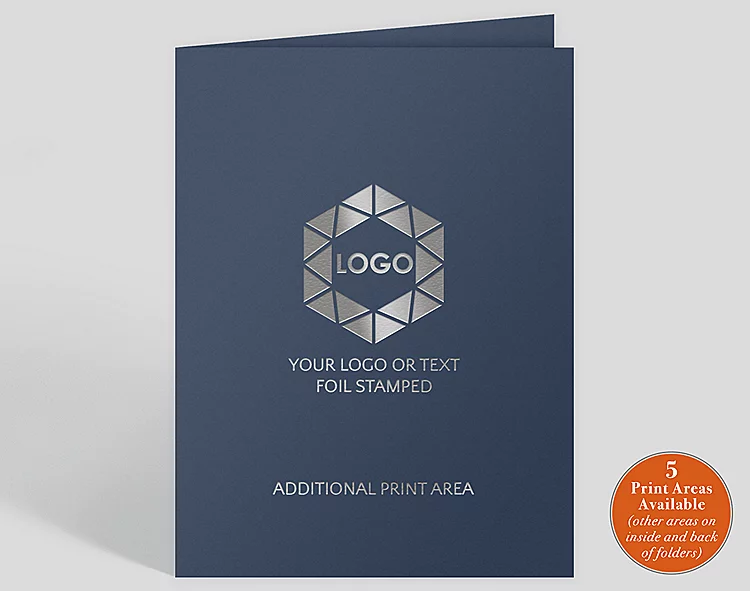
What goes inside the folder matters, but the folder itself sets the first impression. A generic, plain folder works in a pinch. A branded folder with foil stamping, premium paper stock, and your company logo signals that your business pays attention to quality.
The Gallery Collection offers custom presentation folders with options for foil colors, logo placement, and card slots. For businesses that need folders quickly, stock presentation folders with pre-designed artwork offer a polished, professional option without a custom turnaround.
When your folder looks as sharp as the materials inside it, the entire package feels intentional. Businesses that invest in customizing their folders often see those folders kept and remembered long after the initial meeting.
A polished folder paired with well-chosen contents is one of the simplest ways to leave a lasting impression on anyone who receives it. And when you need inspiration for putting together a folder that truly resonates, a clear plan for the contents is the best place to start.
Frequently Asked Questions
Include a company overview, service brochure, business card, pricing guide, and one or two testimonials. A personalized cover letter addressed to the client adds a strong opening touch.
Five to six items is a good range. Enough to inform without overwhelming the recipient. Additional materials can go in a follow-up packet.
Yes. HR teams and office managers often use folders to organize handbooks, benefits forms, team directories, and welcome letters for new hires.
Presentation folder inserts are the documents, brochures, cards, and materials placed inside the folder pockets. Choosing the right inserts helps you stay organized and communicate with purpose.
A branded folder with your logo, colors, and contact details ties the contents together and reinforces your professional image. Custom folders with foil stamping and premium paper make a stronger impression than a plain folder.